
Caffeine
Caffeine is a tiny free Windows utility from Zhorn Software that keeps your computer awake and stops the screen from locking or sleeping.
306.0 KB

Mem Reduct is a tiny open-source Windows utility by Henry++ that shows memory usage in the tray and frees RAM on demand or automatically.
Average 0.0 · ratings: 0
Thank you! Your rating is saved; you can change it. Could not save the rating. Please try again later. Too many ratings from your network today. Please try again tomorrow. The average appears after 5 ratings.
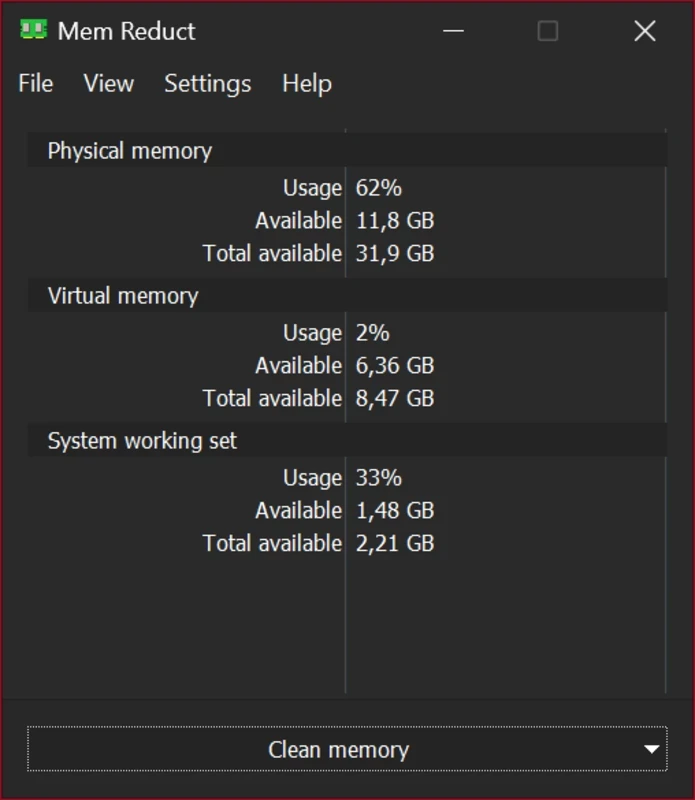
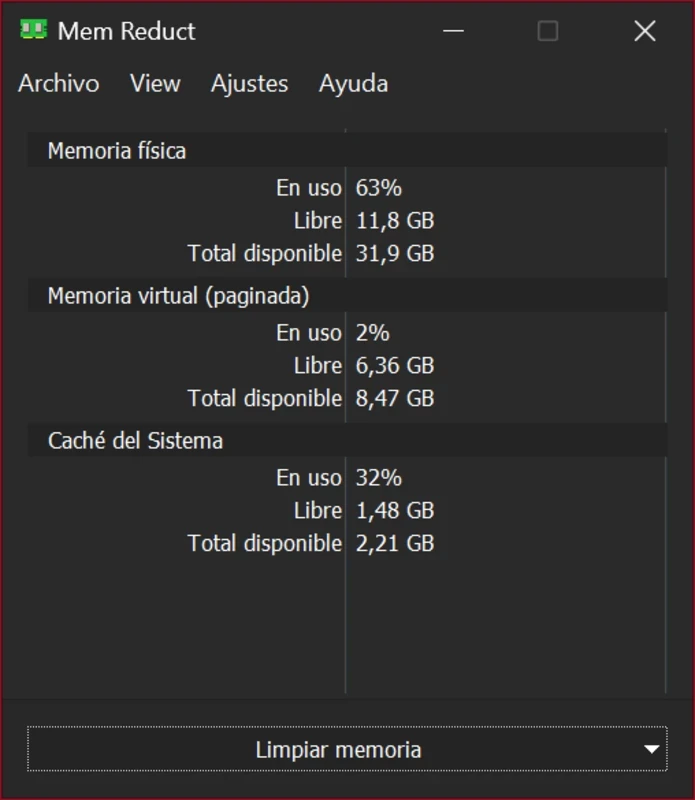
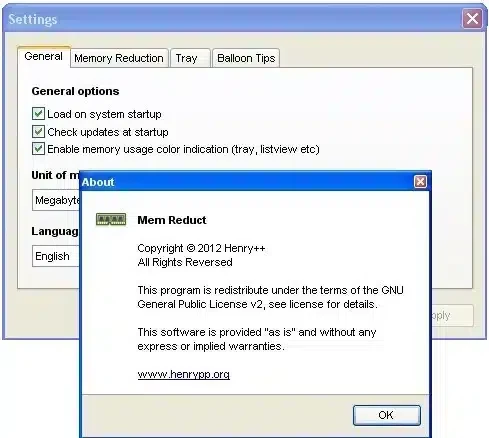
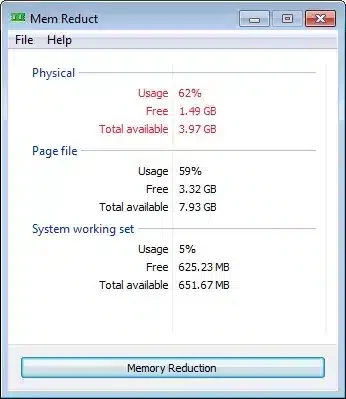
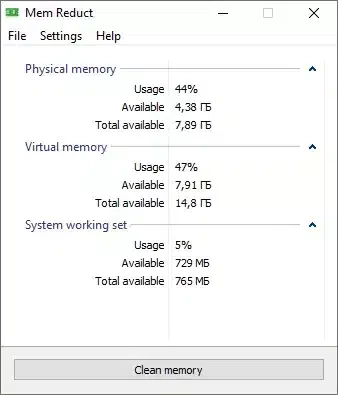
Mem Reduct 3.5.2 is a free, open-source memory monitor and cleaner for Windows by Henry++. You download Mem Reduct to see RAM usage at a glance in the system tray and to free up memory with a click when a PC with little RAM starts to slow down.
| Item | Details |
|---|---|
| Version | 3.5.2 |
| Developer | Henry++ |
| Licence | free, open source |
| Platform | Windows |
| Source code | GitHub |
| Size | about 372.63 KB according to catalogue data |
Windows keeps a lot of data in memory in case it is needed again: file caches, the standby list, parts of programs that are not active right now. Usually this is a good thing, but on a machine with little RAM, or after a long gaming or browsing session, it can leave very little truly free memory. Mem Reduct uses documented Windows functions to clear the working sets of processes, the system file cache, the standby and modified page lists. The result is visible immediately in its tray icon, which shows the current memory load as a percentage and changes colour as usage grows. You can clean manually, by a hotkey, when usage passes a threshold you choose, or on a timer. The program is tiny, portable if you want it to be, and has no ads. It will not add memory you do not have, but it can help a weak PC recover faster after heavy tasks.
The source code is public on GitHub. Download only from the official repository, because cleaners are a popular disguise for malware. Cleaning the standby list can make recently used programs open a little slower for a moment, since Windows has to read them from disk again.
Mem Reduct is completely free.
The tool makes the most sense on laptops and older desktops with little memory, where a browser with many tabs pushes the system into heavy use of the page file. On a modern PC with plenty of RAM, Windows manages memory well on its own, and constant cleaning brings no visible gain. Close unused programs first; clean memory second.
Other maintenance tools on our site include CCleaner and Advanced SystemCare Free for general cleanup, Timer Resolution for gamers, and TCP Optimizer for network tuning.
Caffeine is a tiny free Windows utility from Zhorn Software that keeps your computer awake and stops the screen from locking or sleeping.

Windows 10 Update Assistant is a free Microsoft tool that updates a Windows 10 PC to the latest feature update without waiting for Windows Update.

Advanced SystemCare Free is a Windows optimisation suite from IObit that cleans junk files, manages startup items and monitors resource use.

MSI Kombustor is a free graphics card stress test and benchmark from MSI, used together with MSI Afterburner to check stability.

GS Auto Clicker is a tiny free Windows program from goldensoft that clicks the mouse automatically at a set interval, started and stopped with a hotkey.

CCleaner is Piriform's utility suite for removing temporary files and cleaning up Windows. The free edition covers basic cleaning.

Custom Resolution Utility (CRU) is a tiny free Windows tool by ToastyX for adding custom resolutions and refresh rates to monitors.

NZXT CAM is NZXT's free Windows app for its PC hardware, used to keep an eye on the computer and manage compatible NZXT components.